Image workflow comparison

insmind vs ai photo editor: which fits your image task?

The useful question in insmind vs ai photo editor is how much of your photograph needs to change. Start with the outcome: a cleaner product image, a polished portrait, or a correction that must preserve every detail. Then decide whether a focused AI-assisted workflow or a broader editor gives you the control you need.

Illustrative image workspace for comparing editing approaches

Three real scenarios, one pick each

Use the edit itself as the deciding factor. These picks describe workflow fit, not a guarantee that any particular result will be automatic.

  1. 1

    Make a product shot presentable

    Pick a focused Insmind-style workflow when the main job is separating a product from a distracting setting and preparing a clean composition. Check the object boundary, reflections, and any transparent areas before using the result. If the packaging has small text or intricate edges, plan for a closer manual inspection.

  2. 2

    Retouch a portrait without changing identity

    Pick a general AI photo editor when you need localized adjustments and want to inspect each change against the original. Small corrections to exposure or blemishes call for a different standard than replacing a face or inventing facial detail. Keep an unedited reference and reject results that alter recognizable features.

  3. 3

    Match a batch to an existing campaign

    Pick the workflow that lets you reproduce the established crop, color, and visual hierarchy across every image. An AI-assisted starting point can save repetitive setup, but a conventional editing pass may be better for exact brand colors, consistent shadows, and final approval. Test one representative image before committing a whole batch.

Compare adjacent workflows

Some image decisions turn out to be motion decisions. These related comparisons help separate photo preparation from video production.

Scenario picks by role

The same source photo can call for different tools depending on who must approve the result and where it will appear.

Marketplace seller

A product needs a less distracting backdrop while its shape and label remain legible.

Start with subject isolation, then inspect edges at full size and compare the edited label with the source. A clean-looking thumbnail is not enough if fine print has changed.

insmind background remover

Portrait photographer

A client requests restrained cleanup rather than a new likeness.

Favor an editor that supports a careful before-and-after review. Keep skin texture, facial proportions, and any identifying details consistent with the original.

insmind enhancer

Social creative

A still image might become a moving post after the photo is approved.

Finish the crop and subject treatment first; evaluate motion separately instead of assuming a good still automatically makes a good clip.

insmind vs ai video

Campaign producer

Several approved photographs need to sit alongside a timed video sequence.

Use photo editing to settle each frame, then judge sequence and pacing in a video workflow. Consistent color across stills does not solve timing.

insmind vs video editor

Capability matrix

A visual reference can clarify the kind of change you want, but it cannot establish which tool made an image or how reliably that change can be repeated.

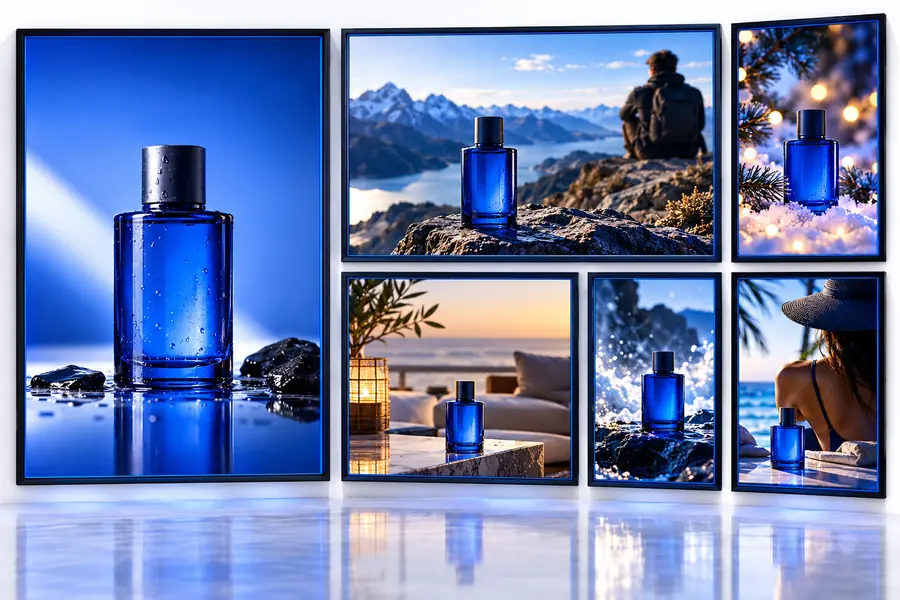
First illustrative image used as a reference for evaluating an edit Reference image
Second illustrative image used as a reference for evaluating an edit Desired direction
These are illustrative references, not a verified before-and-after edit of the same photograph. For your own comparison, use one source file and judge edge quality, identity, text, and lighting side by side.

Shared pitfalls

For insmind vs ai photo editor, neither route removes the need for review. This table compares what to inspect when choosing a focused workflow or a broader editing workspace.

Focused Insmind-style workflow
General AI photo editor

Best starting point

Focused Insmind-style workflow

A clearly defined image change, such as isolating a subject or improving a presentation image.

General AI photo editor

An image needing several distinct adjustments or selective corrections.

Scope of the edit

Focused Insmind-style workflow

Keep the requested transformation narrow and compare the result with the source.

General AI photo editor

Plan and inspect individual adjustments so one correction does not undermine another.

Product edges

Focused Insmind-style workflow

Inspect fine outlines, glass, hairlike fibers, and shadows after any background change.

General AI photo editor

Inspect the same areas after selections, masks, or generative edits.

Faces and identity

Focused Insmind-style workflow

Do not treat a polished face as faithful without checking it against the original.

General AI photo editor

Do not assume finer controls prevent unintended changes to facial features.

Text and logos

Focused Insmind-style workflow

Verify packaging copy and marks against the source before publishing.

General AI photo editor

Verify packaging copy and marks even when the edit appears localized.

Color consistency

Focused Insmind-style workflow

Compare the output with an approved reference, especially across a set of images.

General AI photo editor

Check adjustments against the same reference rather than relying on appearance alone.

Repeat work

Focused Insmind-style workflow

Try one difficult representative photo before applying the approach to a batch.

General AI photo editor

Document the intended corrections and test them on one representative photo first.

Our tradeoff

Start with one image you can verify

Insmind is a useful comparison point for focused, AI-assisted image tasks; a general AI photo editor may suit work that needs several controlled passes. Neither label tells you whether a specific photograph will survive the edit intact. Choose a representative source, define what must not change, and compare the output with the original at full size. The link below opens a separate image-creation service, not an Insmind editing screen; assess its current tools and terms before using it for a real project.

Explore image workflows
  • Keep the original photograph available
  • Check critical details at full size
  • Approve a sample before repeating the workflow

Comparison FAQ

Insmind is a named image-tool brand; AI photo editor is a broad category. Compare the specific task and the controls available for it rather than treating the two labels as equivalent.

For a clearly scoped presentation change, start with a focused workflow and check the result against the original. If you also need precise corrections to color, label detail, and shadows, allow time for a more controlled editing pass.

Do not assume it will, regardless of the workflow. Inspect facial features, printed text, logos, and fine boundaries at full size before approving or publishing an edited image.

Use the same source image and write down the intended change before trying either approach. Compare results at the same size, checking fidelity to the source as well as overall appearance, and repeat with a difficult example if you plan to edit a batch.

Start creating
Start creating