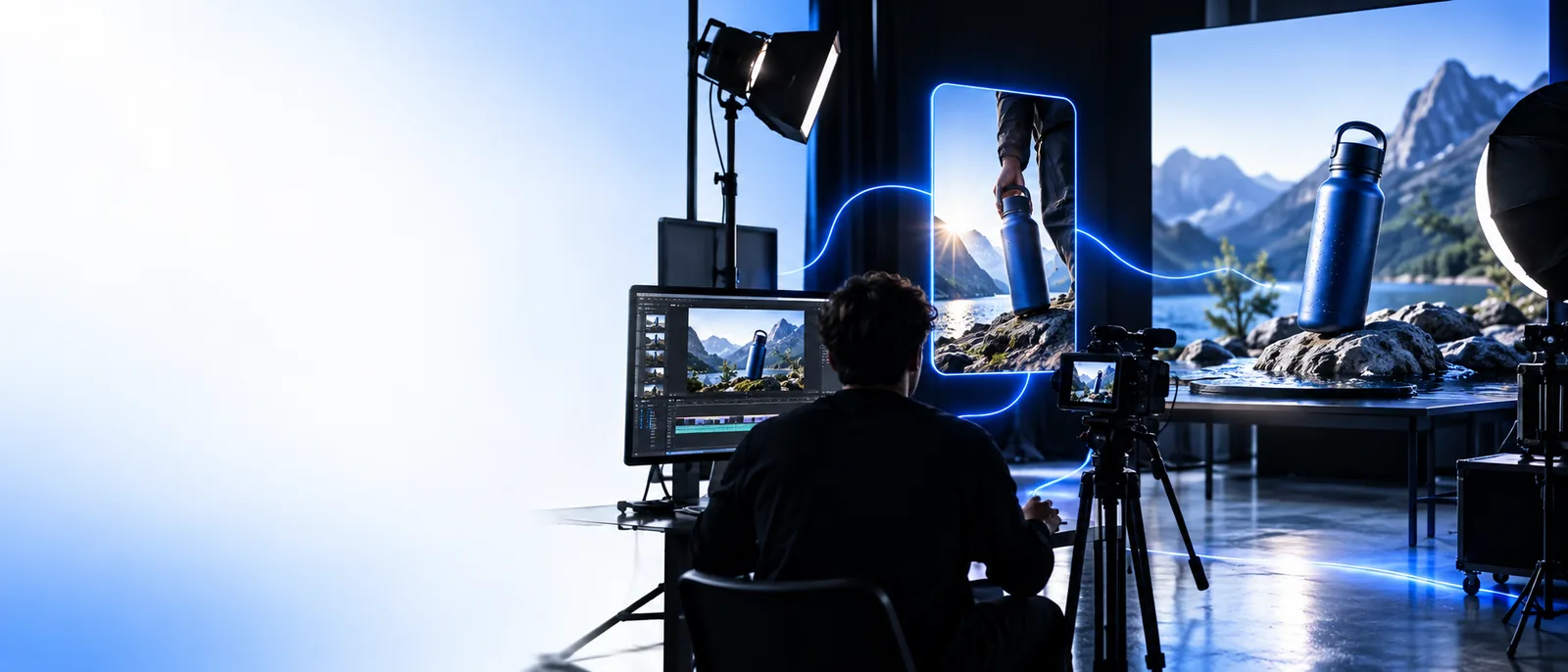
Shape an insmind text to video idea before you generate

A written brief can establish the subject, setting, action, and camera direction before any footage exists. Use this page to decide what belongs in the prompt and what you will need to check in the result.

Copy your draft if you need it later
Insmind site imagery

A/B structural difference table

The useful A/B question is what you can supply at the start: a description, a still image, or footage that already exists.

Campaign planner

You have a product concept but no approved photograph. Write the setting, subject, action, and mood as separate parts of a brief.

A prompt-first approach lets the team discuss the intended scene without treating an unmade image as an approved reference.

insmind ai video generator

Product photographer

You already have an approved packshot and want its appearance to remain the visual starting point.

An image-led approach is easier to evaluate when preserving the product's look matters more than inventing a new scene.

insmind image to video

Social editor

You have a recorded clip with a soft or noisy appearance, rather than a scene that needs to be invented.

Work on the existing footage instead of asking a prompt to reconstruct its people, timing, and composition.

insmind video enhancer

Creative reviewer

You need to decide whether a generated clip or a conventional edit better fits a brief with precise timing.

Compare the two workflows before committing to a shot that may need frame-level control.

insmind vs video editor

What conversion loses

Words communicate intent, not an exact frame. Make the important constraints explicit, then expect to review the interpretation.

  1. 1

    Write the visible action

    Name the subject and what changes during the shot. Replace broad requests such as “make it cinematic” with observable movement, such as steam rising while the camera moves closer.

  2. 2

    Separate look from motion

    Specify the setting, lighting, and camera movement independently. A text to video brief can suggest all three, but it cannot supply the fixed composition that a reference image would.

  3. 3

    Mark what must stay consistent

    List any critical object details, text, or sequence of actions. A prompt alone does not guarantee that these will remain exact across a generated clip.

The tool block

Choose the starting material that best protects the part of your idea you cannot afford to lose.

How to verify after

Judge the result against the brief rather than against how polished the first frame looks.

A prompt is not a reference frame

Text to video cannot establish an exact approved layout or product appearance by description alone.

Workaround

If a particular still must guide the shot, begin with that image and compare the result against it.

Written timing is approximate

Words such as “slowly” or “then” do not ensure a precise duration or frame-by-frame sequence.

Workaround

Check the order and pacing of the full clip; use an editor when exact cuts or timing are required.

Details may drift

Small markings, readable text, and repeated object features can differ from the written brief or change during motion.

Workaround

Review the beginning, middle, and end, and do not rely on generated footage as proof of exact product details.

Text and image starting points compared

Written brief
Existing still image

Starting material

Written brief

A description of a scene that does not yet have a fixed appearance

Existing still image

A visible frame with an established subject and composition

Best-defined element

Written brief

Intended action, setting, and mood

Existing still image

The starting look of the subject and scene

Open to interpretation

Written brief

Appearance, layout, and motion

Existing still image

Motion and what appears beyond the still frame

Useful first check

Written brief

Does the clip show the requested subject and action?

Existing still image

Does the clip retain the important parts of the source image?

Weak fit

Written brief

A shot requiring an exact approved frame

Existing still image

A concept without a suitable image to start from

Revision material

Written brief

A clearer description of missing or incorrect details

Existing still image

A better source still or clearer motion direction

Put the brief to work

Bring a specific scene, not just a theme

Describe one subject, one visible action, and the intended camera movement. Open the destination to explore its current video options, then check any result against your brief; available controls and output terms depend on that destination.

Explore video tools
  • Keep the action observable
  • Check motion across the whole clip
  • Verify important details before use

Variant FAQ

A written description is the starting material for a prompt-first text to video workflow. Whether the linked destination accepts that input, and which controls it offers, should be checked there before you rely on it for a project.

Name the subject, setting, visible action, and camera movement. Include a few essential appearance details, but avoid burying the main action under a long list of competing instructions.

Do not assume it will. Inspect markings, shape, color, and consistency throughout the clip; if an approved appearance is essential, consider an image-led starting point.

An image-led workflow is a better starting point when you want the still's subject and composition to guide the result. You can still describe the desired motion, but should check how closely the moving scene follows the original image.

Start creating
Start creating